Understanding Retrieval-Augmented Generation (RAG)
How AI systems retrieve, reason, and generate answers using your data
Large language models are powerful, but they don’t "know" your data. They generate
responses based on what they were trained on.
Retrieval-Augmented Generation (RAG) solves this by combining two systems:
- Retrieval: Find relevant information from a data source
- Generation: Use that information to produce an answer
Instead of relying only on training data, the model first retrieves context (fetch
relevant data from your DB/store), then
generates a response grounded in that data.
In simple terms:
Query → Retrieve → Augment → Generate
How RAG Actually Works
-
Step 1: User asks a question
The system receives a query, for example: 'What our the cloud services we are
currently subscribed to?'
-
Step 2: Convert query into meaning (embedding)
Instead of matching words, the query is converted into a vector (a numerical
representation of its meaning).
-
Step 3: Find relevant information
The system searches a vector database to find chunks of documents that are
semantically similar to the query.
-
Step 4: Build context
The most relevant pieces of information are selected and combined into a context
block.
-
Step 5: Ask the model with context
The query + retrieved context are sent to the LLM as a single prompt.
-
Step 6: Generate grounded answer
The model generates a response based on the provided context, not just its
training data.
In short:
Query → Understand → Retrieve → Add context → Generate
Why RAG Matters
- Uses your own data: No retraining needed
- Reduces hallucination: grounded responses
- Always up-to-date: dynamic retrieval
- Scalable: works across documents, systems
Building RAG for Enterprises
Building RAG for enterprises involves more than connecting a model to data. It
requires structured ingestion from multiple sources, secure access controls,
efficient vector storage, and high-quality retrieval pipelines.
Systems must handle large-scale data, enforce permissions, track usage, and
continuously improve retrieval accuracy to ensure reliable, production-ready AI
responses.
From Prompt → RAG → Agents
Before diving deeper, here’s a simple way to understand how systems have evolved:
- Traditional LLM: Prompt → Model → Answer
- RAG: Prompt → Retrieve context → Model → Answer
- Agents: Prompt → Reason + Tools + Memory → Action

A simplified view of how AI systems evolved from direct prompting → retrieval-based
systems → agentic workflows.
What to Take Care of When Building RAG
-
Chunking strategy matters more than you think
Too small → loss of context. Too large → poor retrieval precision. Overlap helps
preserve continuity but increases storage and compute cost.
-
Retrieval quality drives everything
The model can only answer from what is retrieved. Poor ranking, missing context,
or irrelevant chunks directly lead to incorrect responses.
-
Data pipelines need structure
Ingesting PDFs, logs, and databases requires cleaning, normalization, and
consistent chunking. Unstructured or noisy data reduces system reliability.
-
Security and access control are critical
Enforce document-level permissions, role-based access, and data isolation. RAG
systems should never retrieve data a user is not allowed to see.
-
Latency vs scale tradeoff
Large vector databases improve coverage but increase retrieval time. Use indexing,
caching, and filtering to keep responses fast.
-
Observability is often ignored
Track what was retrieved, scores, and final outputs. Without this, debugging wrong
answers becomes extremely difficult.
Build Your Own RAG System (Step-by-Step)
You can build a working RAG pipeline on your laptop or Colab by following these
steps:
-
Step 1. Collect a small dataset
Start with 5–20 documents (PDFs, notes, or text files). Keep it simple, the goal
is to understand flow, not scale.
-
Step 2. Clean and prepare data
Extract text, remove noise (headers, formatting), and normalize content so
retrieval works consistently.
-
Step 3. Split into chunks
Break documents into smaller pieces (100–300 words). Add slight overlap to
preserve context between chunks.
-
Step 4. Generate embeddings
Convert each chunk into a vector using an embedding model (ex.,
sentence-transformers).
-
Step 5. Store in a vector database
Use FAISS or a simple in-memory store to index embeddings for fast similarity
search.
-
Step 6. Process user query
Convert the user’s question into an embedding using the same model.
-
Step 7. Retrieve relevant chunks
Search for top-k similar chunks based on vector similarity.
-
Step 8. Build context
Combine retrieved chunks into a single context block. Keep it within model input
limits.
-
Step 9. Generate answer
Send query + context to an LLM and generate a grounded response.
-
Step 10. Evaluate and improve
Check if answers are relevant. Tune chunk size, retrieval count, and data quality
to improve results.
Start small. Once the flow works, you can scale data, improve retrieval, and add
security or caching.
Article of the Week
A deeper look into how retrieval-augmented systems improve factual accuracy and
reduce hallucinations in large language models.
Retrieval-Augmented Generation for Knowledge-Intensive NLP Tasks (Research Paper)
One of the foundational papers behind RAG — explains how combining retrieval with
generation improves performance on knowledge-heavy tasks.
News of the Week
Major platforms are building native RAG capabilities like
Google’s Gemini File Search, which directly connects AI models to user data for more
accurate, verifiable responses.
Read how Google is integrating RAG into its AI systems
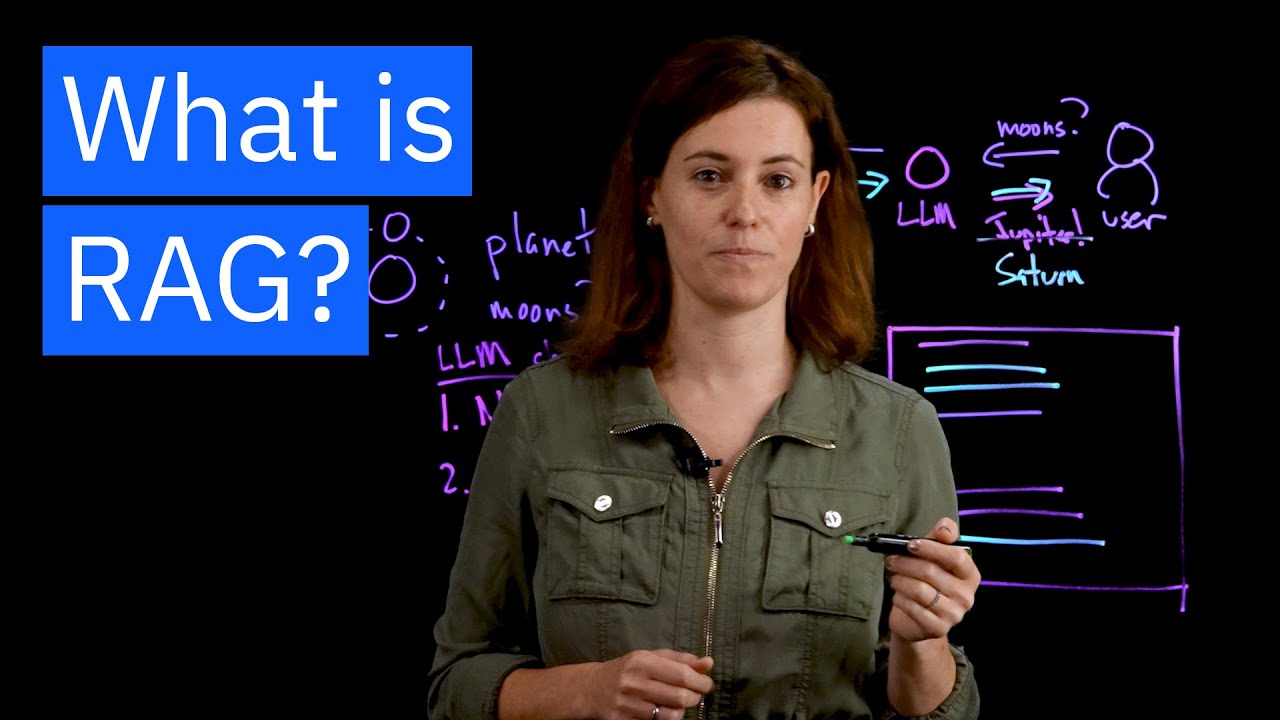
See It in Action
A quick visual explanation of how RAG systems work:
Good to Know
- RAG systems are often more important than the model itself
- Better retrieval can outperform bigger models
- Chunking strategy heavily impacts performance
- Evaluation is still an open problem in production systems